
How to Integrate Legacy Systems with Modern APIs
Integrating legacy systems with modern APIs can falter due to disjointed workflows. Focus on designing closed-loop processes that prioritize completion over volume, ensuring reliable data handling and reducing operational costs.
Manual projects fail when teams try to integrate legacy systems with messaging tools that were never built to complete the work. The problem usually is not automation ambition. It is that the last mile still depends on a portal, an agent, or a brittle writeback that breaks when volume rises.
Key Takeaways:
If you want to integrate legacy systems with customer messaging, completion matters more than conversation volume.
Most automation programs fail at the handoff between outreach, customer action, and system writeback.
Legacy integration gets harder when SMS, email, and WhatsApp sit apart from the systems that hold balances, flags, notes, and policy rules.
The safer approach is to design one closed-loop workflow at a time, starting with a routine, high-volume use case.
In-message action beats portal detours for billing, collections, and compliance tasks because it removes avoidable friction.
Good workflow design includes identity checks, policy rules, exception paths, and reliable writebacks before scale.
When you measure completion rate, time-to-resolution, and writeback success, you see what is actually working.
Why legacy system integration breaks in customer messaging
Integrating legacy systems with customer communication workflows usually breaks because the messaging layer and the action layer live in different places. One system sends the prompt. Another system holds the data. A third system handles the transaction. That split creates delay, manual follow-up, and reconciliation work that shows up later as operational cost.
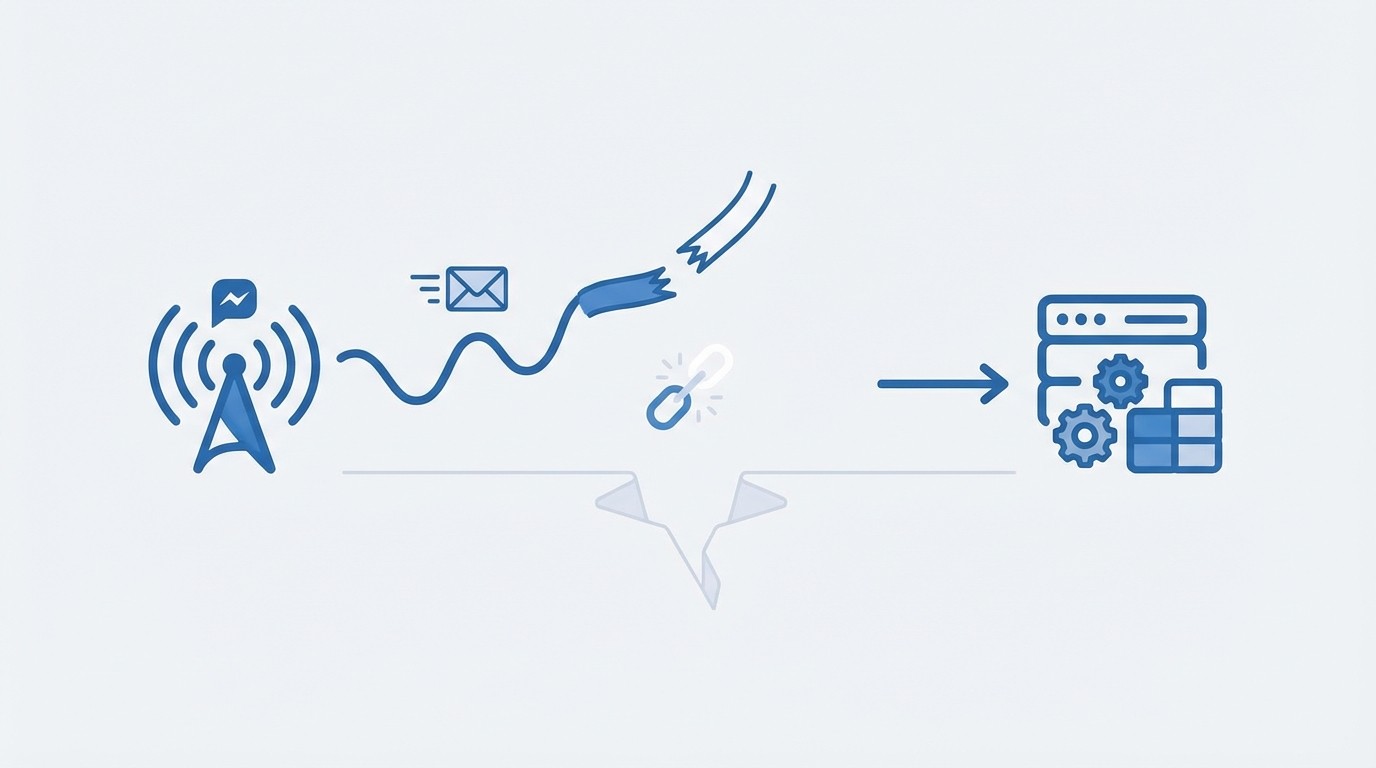
Messaging starts the journey, but it rarely finishes it
Most teams begin with the visible part of the problem. They need to send reminders, notices, payment nudges, or compliance requests at scale. So they buy a messaging platform, connect a few triggers, and launch. On paper, it looks solid. Messages go out. Open rates look acceptable. The workflow diagram looks neat enough for a steering committee deck.
But the real test comes one step later. Can the customer act without leaving the message? Can the system verify identity, show only eligible actions, and write the outcome back to the core record without a person cleaning it up afterward? In my experience, that is where most efforts to integrate legacy systems with messaging start to fail. The outreach works. The resolution does not.
That gap matters more than teams expect. McKinsey has pointed out that financial services contact centres remain under pressure to cut cost while improving experience. If your communication stack creates more conversations without closing more tasks, you are adding work, not removing it.
The root problem is not channels. It is disconnected completion
The real issue is not whether you use SMS, WhatsApp, or email. It is whether those channels can complete policy-bound work safely. Plenty of operations leaders assume the missing ingredient is one more channel or one more bot flow. Fair point, because reach does matter. But reach without completion just spreads the same broken process across more surfaces.
A failed payment is a simple example. The customer gets a reminder by email, clicks through to a portal, fails a login, abandons the session, then calls the contact centre. An agent verifies identity, updates the card, logs the action, and notes the account manually. The business counts that as omni-channel service. What it actually has is a fragmented task and a higher unit cost.
That is why teams struggle to integrate legacy systems with communication channels in a way that reduces cost. They are not really integrating for completion. They are integrating for notification, then leaving the hardest part to a portal or a person. After a while, people inside the operation feel it. The queue stays full, the agents stay busy, and the automation program starts to look a lot less convincing.
Manual reconciliation becomes the hidden tax
Disconnected workflows create a hidden tax that rarely shows up in the original business case. Every partial completion needs someone to verify what happened, update the system of record, and fix exceptions. That work is slow. It is also risky in regulated environments, where auditability and accurate writeback are not optional.
You can see the pattern in large-scale operations. A trigger fires from a collections or billing system. A message goes out. A customer attempts to act. Then the system stalls because the legacy core was never fully wired into the workflow, or because the action path depends on a portal session, a separate payment page, or an agent handoff. The Consumer Financial Protection Bureau has warned that poor operational control in digital servicing can create real compliance exposure. That is not abstract. It becomes a problem fast when records are incomplete or actions are not reflected consistently.
So the challenge is bigger than “how do we integrate legacy systems with modern messaging?” The harder question is this: how do you integrate them so the task actually finishes, safely, inside the workflow? That answer changes the design completely.
How to integrate legacy systems with closed-loop workflow design
The safest way to integrate legacy systems with customer communication is to build for closed-loop completion from the start. That means triggers, outreach, customer action, policy checks, exception handling, and writeback all belong to one workflow. If any one of those sits outside the design, the old problems come back.
Start with one routine workflow, not the whole estate
The best first move is to choose a high-volume, policy-bound task and design around that one process. Failed payment recovery, payment plan setup, KYC refresh, address updates, and document collection are common starting points because the rules are clear and the volume is high enough to show real operational impact. You do not need to modernize the whole estate at once. You need one workflow that actually resolves.
That focus matters because legacy environments are messy. You might have REST in one area, SOAP in another, secure file exchange somewhere else, and a core platform that only a handful of people fully understand. Trying to integrate legacy systems with everything at once usually creates a bigger project and a weaker result. We were surprised how often teams over-scope this. They want enterprise transformation. What they need first is proof that one closed-loop workflow can reduce contact centre load without creating new risk.
A disciplined starting point usually includes:
Pick a workflow with clear triggers and clear outcomes.
Define what completion means in system terms, not just customer terms.
Identify the source system, the required payload, and the final writeback event.
Agree on the exception path before launch.
Define completion before you design outreach
Completion needs to be defined in operational language. Was a payment captured? Was a plan established? Was identity verified? Was a document uploaded and attached? Did the core system reflect the new state correctly? Those answers matter more than send volume or click volume because they tell you whether the process finished.
Once you define completion, the rest of the design gets sharper. The outreach becomes a means to an end, not the end itself. Your message content, timing, and channel choice should all point to one next action. If a customer needs to switch context, create credentials, or repeat information, completion rates usually drop. That is not a creative problem. It is a workflow problem.
The practical design sequence looks like this:
Define the exact business outcome.
Map the policy rules that govern eligible actions.
Decide what customer data is needed at the point of action.
Specify the writeback that closes the case.
Set the fallback route for blocked or ineligible cases.
If you want to Explore Closed-Loop Workflow Design, start there. One contained workflow tells you far more than a broad strategy deck.
Keep the action inside the message whenever possible
In-message action removes one of the biggest causes of abandonment: the jump from communication to portal. That jump seems small when teams design flows internally. It is not small to customers. Every extra screen, login, download, or redirect increases the chance that the task gets delayed or dropped.
This is especially true in collections, billing, and compliance work, where the customer often acts in a narrow window. They see the message, decide to do something, and then run into friction. If the workflow sends them elsewhere, you lose momentum. If the task can be completed inside the conversation flow, you keep it alive. That is why integrating legacy systems with in-message actions tends to outperform a notice-plus-portal model.
Some teams still prefer portal-heavy designs, and there are cases where that makes sense for broad account management. But for routine, policy-bound tasks, keeping the action close to the prompt is usually the better choice. It shortens the path, reduces confusion, and gives you cleaner completion data.
Build policy logic and exceptions into the workflow itself
A workflow is only as reliable as its rules. If your process depends on human judgment for common scenarios, you have not really automated the routine work. You have just moved the queue. Good closed-loop design encodes eligibility, timing, compliance checks, and routing logic directly into the workflow.
That means customers should only see actions they are allowed to take. A plan option should appear only when it fits policy. A document request should enforce required fields and validations. A payment path should know what to do if the transaction declines. That level of logic is what turns automation into operational value.
It also protects the team. When exceptions happen, and they will, agents should receive a case with context already attached. They should not have to rediscover what happened across three systems. Honestly, that handoff quality is one of the most overlooked parts of integration design. Teams spend months on channels and templates, then leave exception handling vague. That mistake costs time fast.
Measure resolution, not activity
If you are trying to integrate legacy systems with customer messaging, your metrics need to show whether the work finished. Activity metrics still matter, but only as supporting indicators. The primary measures should reflect resolution.
The most useful operational measures tend to be:
completion rate
time-to-resolution
writeback success rate
agent deflection for routine cases
exception rate by workflow step
channel performance by completed outcome
Those metrics show where the workflow works and where it breaks. They also make scaling decisions easier. Instead of arguing about which channel got more opens, you can see which design actually moved a case from trigger to completion. That is a much stronger basis for investment.
Integration work needs operational ownership, not just technical ownership
Legacy integration is usually framed as a technical project. It is not only that. It is an operational design exercise with technical consequences. Someone has to define triggers, rules, completion states, audit expectations, and exception handling. If that ownership sits only with IT or only with the business, things get missed.
The better model is shared ownership with a clear operational lead. Operations knows what “done” means. Risk and compliance know what must be controlled. Technical teams know how the systems behave in the real world. When those groups align around one workflow, integration decisions get better. When they do not, you end up with a flow that can send messages but cannot close cases.
That is why successful teams usually treat integration and workflow design as one thing, not two separate projects. If you split them, the seam becomes the failure point.
Learn How Resolution-First Workflows Reduce Cost-To-Serve
What RadMedia changes when resolution matters more than reach
RadMedia is built for teams that need to integrate legacy systems with customer communication workflows and still get reliable completion. It does not stop at sending messages. It connects triggers, customer action, policy logic, and writeback so the workflow can finish where the customer already is.
Managed integration removes the usual stall point
Managed back-end integration matters because this is where most projects slow down. RadMedia handles the work of connecting legacy cores and modern APIs, including adapters, authentication, schema mapping, and error handling. That matters in financial services because the hard part is rarely drawing the journey. It is getting the workflow to transact safely against real systems without turning the project into a long engineering queue.
When triggers come from billing, collections, policy, or compliance systems, RadMedia can use those events to start the workflow and carry the right context into the next step. Then, when the customer acts, outcomes write back idempotently to the system of record. That is the part many teams miss when they try to integrate legacy systems with general messaging tools. The outreach happens. The update does not.
In-message completion reduces avoidable handoffs
RadMedia also changes the customer side of the journey. Its in-message self-service mini-apps let customers act inside the conversation through secure, no-download flows. After identity is validated with one-time codes, known-fact checks, or signed deep links, the customer sees only policy-eligible actions. That could be updating a card, authorizing a payment, choosing a compliant plan, confirming details, uploading documents, or signing an attestation.
This is where the operational payoff starts to show. Instead of pushing routine work into a portal or back to the contact centre, the workflow stays close to the message and finishes there. For teams trying to integrate legacy systems with customer communication in a way that lowers agent load, that design choice matters a lot.
Start One High-Volume Workflow With RadMedia
Orchestration, writeback, and controls make the workflow dependable
RadMedia’s Autopilot Workflow Engine advances each case using policy-aware rules, time-based logic, and exception routing. That means routine work can progress without constant human touch, while blocked cases follow a defined path with context attached. RadMedia also sequences SMS, email, and WhatsApp to drive completion rather than just increasing sends, with consent, timing, and channel preferences respected inside the workflow.
Closed-loop resolution and writeback are what tie the model together. When a customer completes a mini-app, RadMedia writes the outcome directly to systems of record, updating balances, posting arrangements, clearing flags, and attaching notes or documents without manual wrap-up. Security, identity, and audit controls support that process with TLS in transit, encryption at rest, role-based access controls, optional SSO, signed deep links, one-time codes, and full logging. Telemetry, reliability, and data export give teams visibility into deliveries, actions, validations, writebacks, completion rate, and time-to-resolution.
Put simply, RadMedia is designed for a problem many operations teams know too well: the system looked automated, but it was not actually built to resolve things.
A practical path to integrating legacy systems without adding more operational debt
If you need to integrate legacy systems with customer communication, start with the workflow that creates the most routine volume and the clearest cost. Design for completion, not just outreach. Then make sure identity, policy rules, exceptions, and writeback are part of the same flow.
That approach is more disciplined, and usually more effective. It gives you a way to reduce contact centre load, improve completion, and prove value without betting the whole operation on a broad rewrite. Ready for customer communication workflows on autopilot? Get In Touch.