
Streamlining Onboarding and Follow-Ups to Minimize Manual Coordination
Streamlining onboarding and follow-ups minimizes manual coordination by ensuring customer actions are directly recorded in the system. This closed-loop process enhances efficiency, reduces handoffs, and allows for quicker completion of onboarding tasks.
By the third reminder, a new customer may have uploaded an ID document and confirmed a phone number after accepting the terms. Yet the case can still land in an operations queue because the KYC flag never flipped in the core banking system. The messages worked, but the workflow didn't finish.
Streamlining onboarding and follow-ups isn't mainly about sending reminders faster. It means designing the journey so a customer can act and the outcome can be written back without manual cleanup. Without that closed loop, automation only shifts the queue from the contact centre to the back office.
Key Takeaways:
Define onboarding completion as a recorded business outcome, not a reply or form submission.
Let customers complete routine actions from the message instead of sending them through a portal detour.
Separate policy-bound work from exceptions that need human judgement.
Track completion, time to resolution, writeback success, and agent deflection.
Prove the model on one high-volume workflow before expanding it.
Why Onboarding Follow-Ups Still Create Manual Work
Onboarding follow-ups create manual work when messaging, customer action, and back-end processing operate as separate stages. A reminder may prompt an ID upload while leaving staff to verify the document, update the CRM record, and clear the outstanding flag. Faster communication doesn't remove those handoffs.
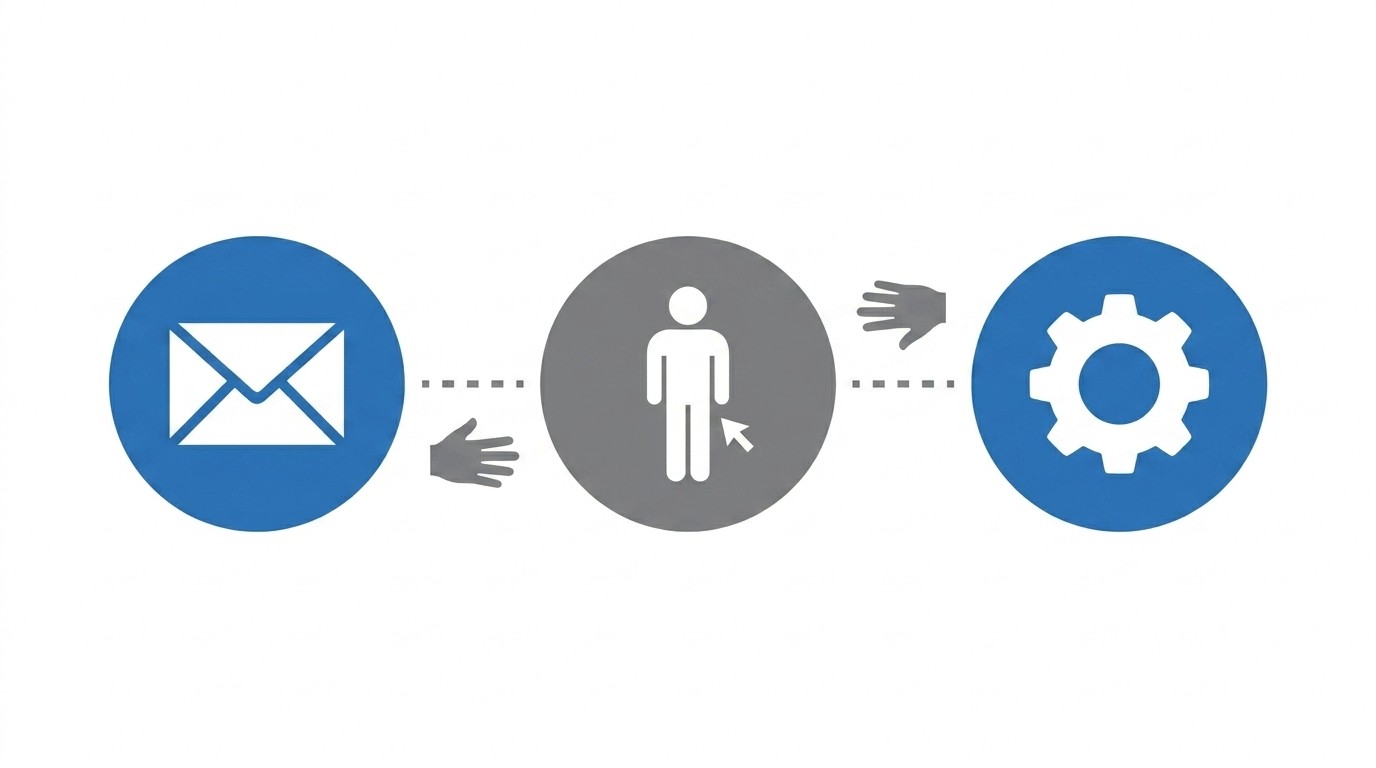
A Sent Message Isn't a Completed Case
At 9 a.m., an onboarding manager opens the messaging dashboard and compares it with the core system. One customer completed a mobile form, but the document status still shows as outstanding. Another replied to an SMS with a new address, yet someone must rekey it into the CRM. By mid-morning, the team is chasing actions customers have already taken.
The visible problem is slow onboarding, but the deeper issue is an incomplete operating model. What has actually been automated? Usually, it's just the send or the first response. The document review, the flag update, and the case closure still cross several systems and queues before anyone can call it complete.
An onboarding workflow should behave like a transaction ledger. Every customer action needs a confirmed posting, and every failed posting needs a defined path. If the message creates activity without changing the case state, the workflow is still open.
The Handoff Creates the Real Queue
In one of our own engagements with a collections department at a major retail bank, we saw the cost of a broken handoff after we helped scale an established campaign fourfold to 200,000 messages per month. Customers responded, but the process sent them into inbound call queues that reached two minutes. Call abandonment rose from below 10% to above 50%, even though the outreach itself had worked.
That example matters because it separates engagement from resolution. More responses placed more pressure on the weakest part of the process. The campaign looked successful at the messaging layer, but operations received a larger queue of customers still waiting to arrange payment.
Portals and contact centres remain useful for complex account management, such as restructuring a loan or disputing a transaction. That's a fair reason to keep them. The mistake is making them the required next step for a simple address update or consent renewal, especially when the customer has already shown an intent to act.
In our view, onboarding automation should be judged at the point where the case record changes. A message opened or a form submitted is an intermediate event. The next question is how to design the onboarding follow-up process around completion rather than contact.
How to Build Onboarding Around Completed Outcomes
Build onboarding around completed outcomes by working backward from the required system state. Define what must change and where exceptions should go. Messages then become part of the workflow rather than a separate communication layer.
Diagnose Where the Case Actually Stops
Where does your onboarding journey stop being automatic? The answer is rarely the messaging tool itself. Cases usually stall after the customer responds, when identity needs checking, an eligibility rule must be applied, or a status flag has to update in the core system.
Follow one recent case from trigger to closure. Record every point where a person retypes a form response, changes a status manually, or asks the customer to phone the call centre. We prefer tracing a real case because process diagrams often show the intended route, not the work staff actually perform. The gap between those two views is where follow-up automation tends to fail.
Use these questions to find the break:
Can the customer complete the required action from the message?
Is identity checked before sensitive information or actions are shown?
Are available actions limited by the applicable policy?
Does completion update the correct system of record?
Does an exception reach an agent with the customer context attached?
A "no" to any of the final three questions signals more than a communication gap. It means the workflow still depends on manual judgement or reconciliation. Fix that point before adding another reminder.
Define Completion Before Writing the Sequence
Completion must be defined before message copy, timing, or channel choice. If the workflow brief says "customer responded" or "form submitted," it stops too early. A proper definition names the business outcome and the record that proves it happened.
Consider a KYC refresh. The customer opening the request isn't completion, and uploading a passport scan isn't always enough. The workflow finishes only after the document passes validation and the compliance record shows an approved status with a new review date. Anything less still leaves work for operations.
Define four things for each workflow:
Business outcome: State exactly what must be completed.
Evidence: Identify the consent, document, payment result, or validation needed.
System state: Name the record and status that must change.
Exception owner: Decide where the case goes when the standard path can't finish.
A useful rule is simple: if the completion definition doesn't include a system state, it isn't complete. That test prevents teams from reporting response activity as an operational outcome. It also gives risk, operations, and technology a shared point of reference.
Put the Next Action Inside the Follow-Up
A reminder asks the customer to remember. A resolution step lets the customer act immediately. That difference is central to streamlining onboarding and follow-ups because each channel switch adds another opportunity for delay.
Portals have real strengths, particularly when customers need broad account access or must compare several loan products. For a single card update or consent renewal, though, a portal login can become unnecessary friction. A customer who has just opened a payment reminder shouldn't need to find a password and rekey a card number the bank already holds on file.
A financial services collections workflow we ran showed how much the action point matters. Customers received a personalised mobile message with a direct route to make a promise to pay. Half of all customer engagements resulted in a completed self-service promise, rather than another request for an agent to follow up.
For routine onboarding, the in-message path should allow the customer to:
Review the specific request and relevant details.
Verify identity before accessing an eligible action.
Complete the required form, consent, payment, or document submission.
Receive confirmation that the action was recorded.
Not every action belongs inside a message. A disputed debit order or a hardship arrangement should still reach a person. The stronger design automates policy-bound work and preserves human attention for cases where judgement changes the outcome.
Separate Policy Rules From Exception Paths
A payment arrangement looks routine until the requested date falls outside a 30-day policy window or the account carries a legal-status flag. Treating every case as identical creates risk. Sending every case to an agent creates cost.
Policy rules should control which actions a customer can see and what happens after each choice. Eligibility thresholds and permitted outcomes need to be explicit. When those conditions are encoded before launch, staff don't need to reinterpret the same arrangement rule across hundreds of similar cases.
Exceptions need their own routes:
Eligible and complete: Process the action and update the case.
Missing information: Ask for the specific item needed to continue.
Transaction failure: Follow the defined retry or escalation path.
Judgement required: Route the case to an agent with its history attached.
Human review remains essential in regulated operations, and any serious automation plan should admit that. The aim isn't to remove people from every decision. It's to stop using skilled collections agents for date checks and eligibility lookups that policy can resolve consistently.
A useful decision rule follows from that distinction. If the outcome can be determined from known facts and an approved policy, automate it. If it depends on interpretation or a live dispute, route it with enough context that the agent starts at the decision point rather than repeating discovery.
Measure Resolution Instead of Message Activity
Four metrics reveal whether customer onboarding and follow-up automation is working: completion rate, time to resolution, writeback success, and agent deflection. Delivery and open rates still have diagnostic value, but they don't confirm that the underlying task finished. A message can perform well while the operation behind it remains broken.
Measure each workflow as a case journey, not a campaign. The clock starts when the trigger enters the process and stops when the system of record confirms the intended outcome. Failed validations, abandoned actions, and agent escalations belong in the same view because they explain why completion changed.
Track the following sequence:
Completion rate: How many eligible cases reach the defined outcome?
Time to resolution: How long passes between trigger and confirmed completion?
Writeback success: How often does the outcome reach the system of record correctly?
Agent deflection: How many routine cases finish without agent involvement?
The relationship between these measures tells you where to look. If open rates rise while completion stays flat, inspect the action path rather than rewriting the reminder again. If customers complete the action but writeback success falls, the case isn't resolved and shouldn't be counted as such.
Prove One Workflow Before Expanding
One high-volume workflow will teach you more than a broad automation programme built on assumptions. Choose a journey with stable policy and enough volume to show whether manual work is being removed. Failed debit order remediation is one common candidate.
Start with the full case path, not one communication channel. Map the trigger, customer action, policy decision, writeback, and exception route before launch. We've found that narrow scope creates better evidence because each failure can be tied to a specific stage instead of being lost across several workflows.
A strong first workflow has four characteristics:
The task is routine and policy-bound.
Completion can be observed in a system of record.
Manual follow-up is currently easy to identify.
Exceptions can be separated without weakening customer service.
Broad transformation can wait. Once the first sequence proves completion and lower agent involvement, the same design can be applied to adjacent journeys such as card reissue or address change. Technology then has a clear job to perform.
How RadMedia Closes the Loop on Routine Work
RadMedia connects the trigger, customer action, policy decision, and system update within one managed workflow. Customers complete eligible tasks through secure in-message mini-apps, while routine cases advance according to defined rules. Confirmed outcomes write back to the relevant system rather than waiting for manual reconciliation.
Secure In-Message Actions Without Portal Detours
RadMedia's In-Message Self-Service Mini-Apps give customers a no-download path to complete routine actions from SMS, email, or WhatsApp. Identity can be checked through signed deep links, one-time codes, or known-fact checks before an action is shown. Forms, payments, document capture, and consent records then collect the structured information needed for completion.
Managed Back-End Integration connects those actions to legacy cores and modern APIs. Authentication, schema mapping, and error handling are handled as part of the service, so the workflow doesn't stop at a form submission. Closed-loop writeback can then update balances, flags, notes, or documents in the system of record.
The operating model centres on three connected capabilities:
In-message self-service: Customers complete policy-eligible actions without a portal detour.
Managed integration: Triggers and outcomes move between the workflow and back-end systems.
Closed-loop writeback: Completed actions update the system of record with audit evidence.
Policy Routing That Preserves Agent Attention
RadMedia's Autopilot Workflow Engine applies policy-aware rules, time-based logic, and exception routing to each case. Eligible routine work proceeds without agent involvement. Missing data, an ineligible request, or a failed transaction follows the defined exception path instead of being forced through an invalid outcome.
RadMedia also carries the case context into an escalation, allowing the agent to see what the customer received, what they attempted, and why the workflow stopped. Staff can focus on disputes and other high-judgement work rather than repeating checks already completed. Completion rate, time to resolution, writeback success, and deflection provide the operational measures needed to assess the change.
A bulk email sender may be enough if the requirement ends with delivery and open-rate reporting. Closed-loop onboarding is a different requirement because the customer must act and the case must update. To map one routine process against policy, in-message action, and confirmed writeback, get in touch about customer communication workflows on autopilot.
Start With One Workflow and Measure Completion
Streamlining onboarding and follow-ups begins with a clear definition of completion, not a larger message schedule. Choose one routine journey, remove the portal or agent handoff where policy allows, and confirm that each successful action reaches the system of record. Measure the finished case.
The first workflow doesn't need to cover every customer or exception. It needs to prove that routine work can move from trigger to recorded outcome while agents receive only the cases that need judgement. A follow-up earns its place when it moves the case toward a confirmed resolution.